
Compare phones for seniors
15 Smartphones from established makers · Selection index 100.9 +1.6% 7 d · avg €91 · as of 18/10/2026
Price table · 15 Smartphones
 EMP·SMARTEmporia SMART.7lite 128GB 6GB 2026 Senioren-Smartphone€239−20.4%
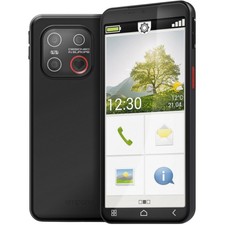 EMP·SMARTEmporia SMART.ME7 Smartphone 128GB 6GB RAM schwarz€184−2.2%
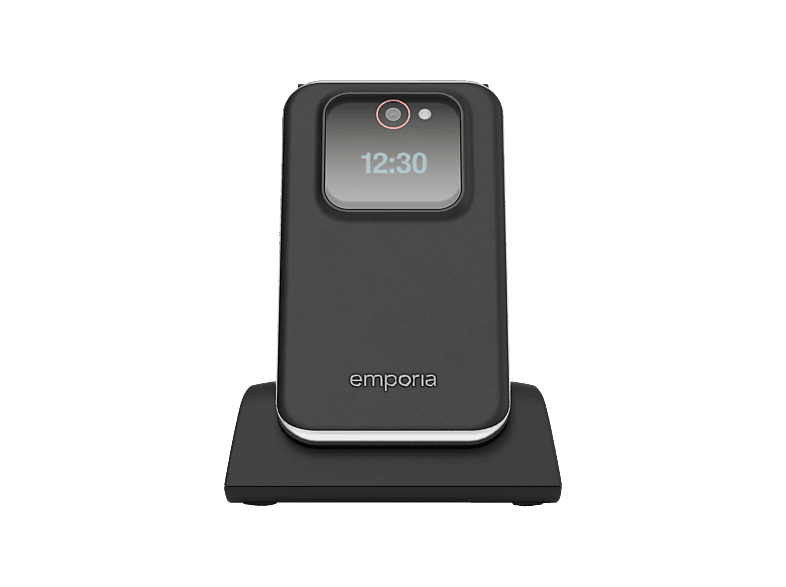 EMP·JOYEMPORIA JOY 4G Seniorenhandy, Schwarz€95±0.0%
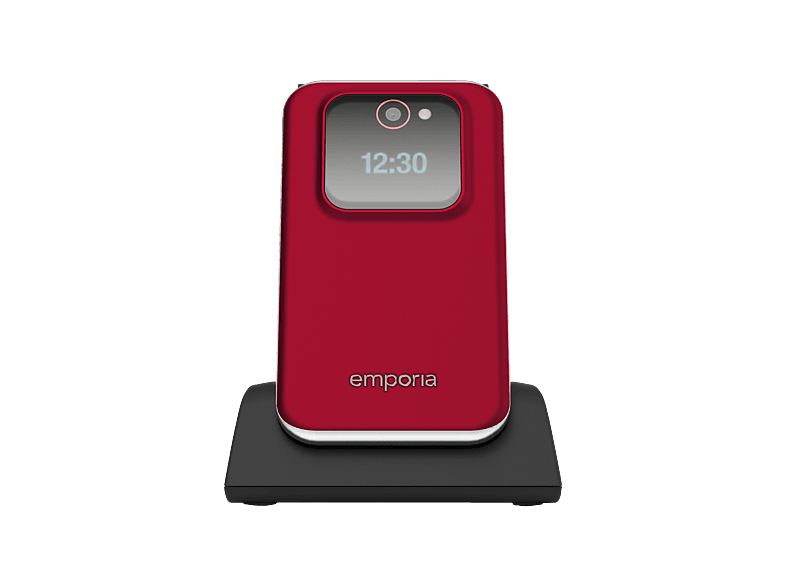 EMP·JOYEMPORIA JOY 4G Seniorenhandy, Rot€95±0.0%
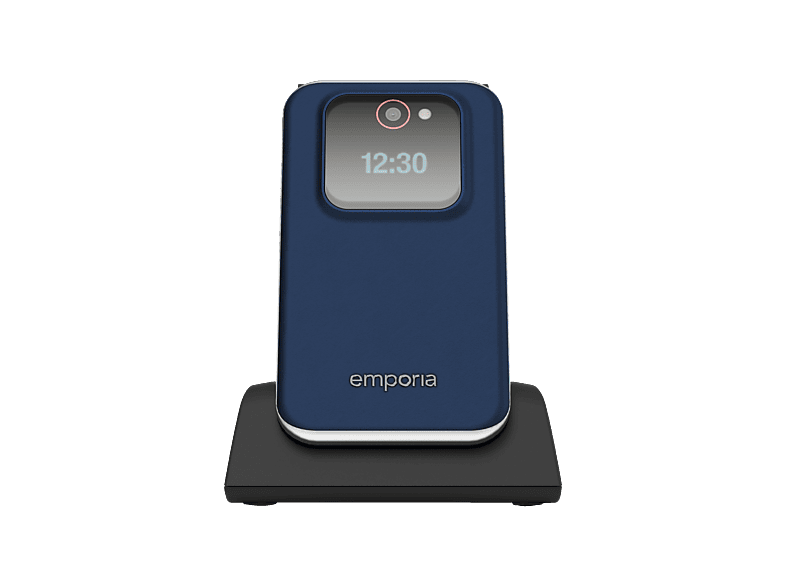 EMP·JOYEMPORIA JOY 4G Seniorenhandy, Blaubeere€95±0.0%
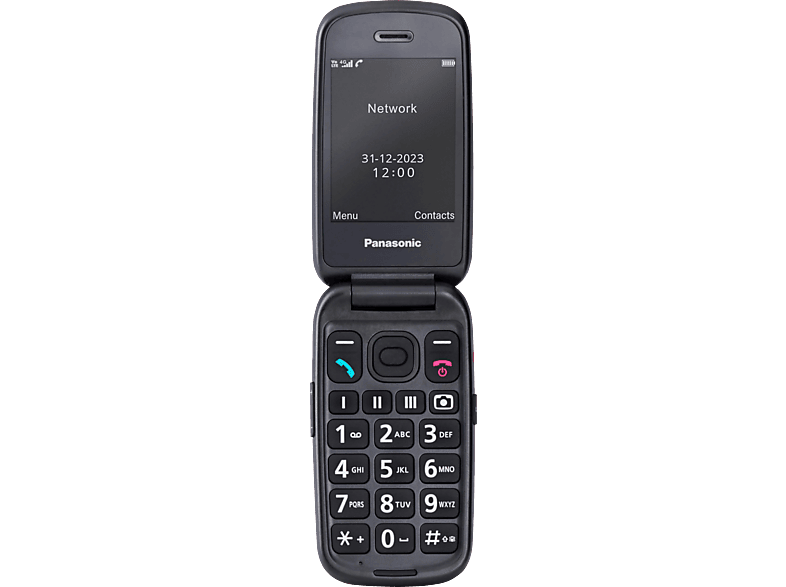 PAN·KXPANASONIC KX-TU550 Seniorenhandy, Rot€90±0.0%
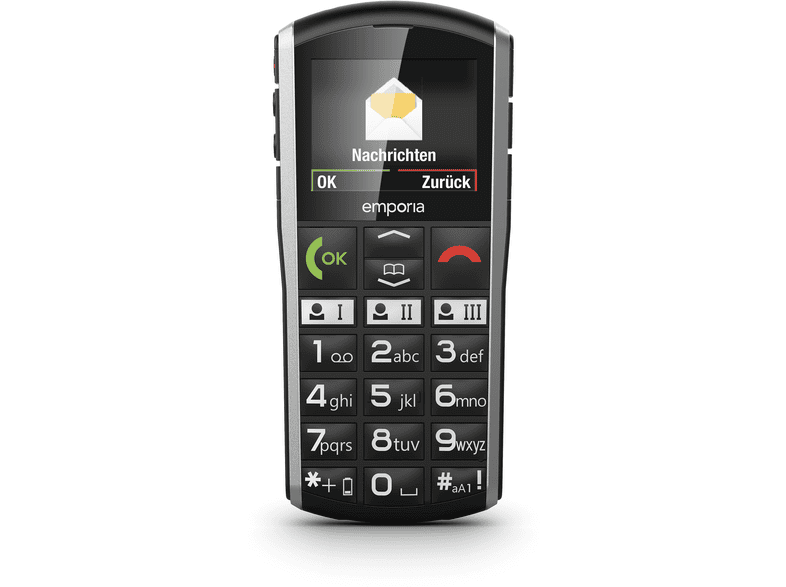 EMP·SIMPLICIEMPORIA SIMPLICITY LTE Seniorenhandy, Schwarz€88−2.2%
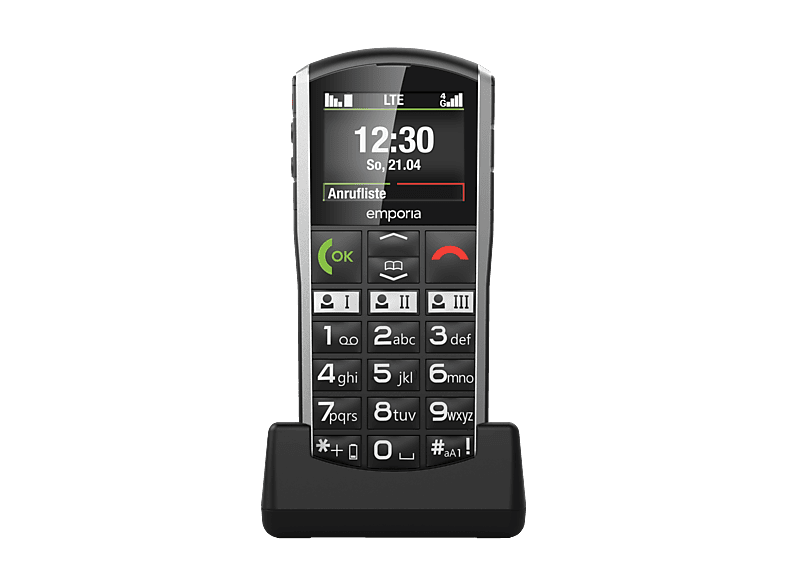 EMP·SIMPLICIEMPORIA SIMPLICITY 4G Seniorenhandy, Schwarz€88+10.0%
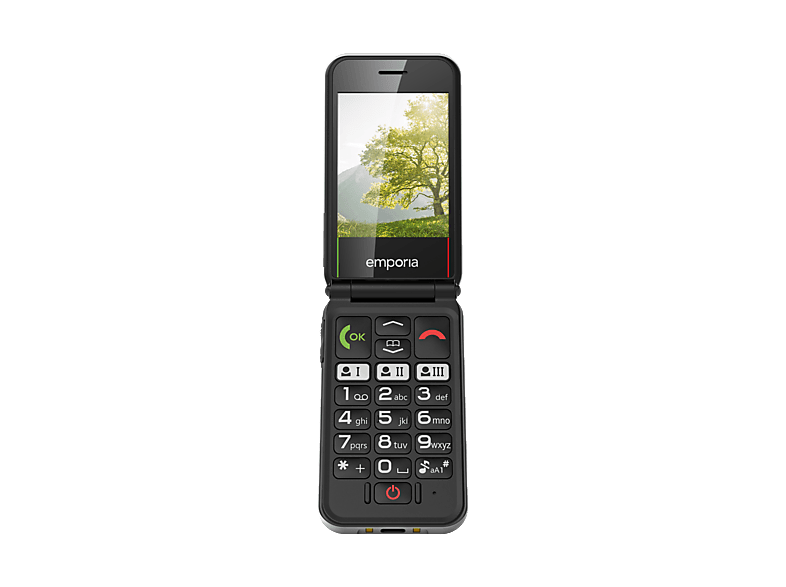 EMP·SIMPLICIEMPORIA SIMPLICITY GLAM 4G Seniorenhandy, Wei߀80±0.0%
 DOR·PRIMODoro Primo 418 Rot Großtastenhandy Senioren Kinder€80±0.0%
 NOK·HANDYNokia 235 4G Handy Dual SIM Kamera Bluetooth USB-C€60±0.0%
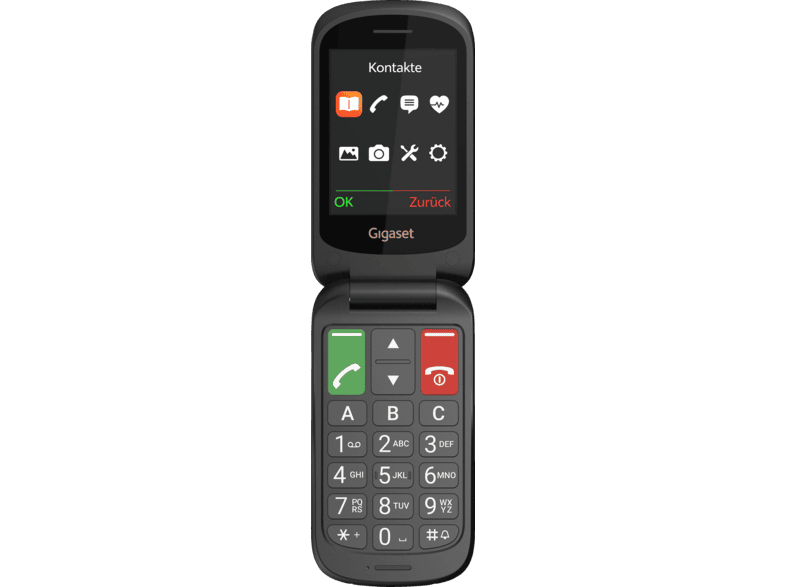 GIG·GL40GIGASET GL40 Seniorenhandy, Schwarz€50±0.0%
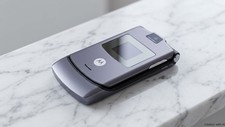 MOT·RAZRMotorola RAZR V3 in Grau Klapphandy >>> 36 Monate€50±0.0%
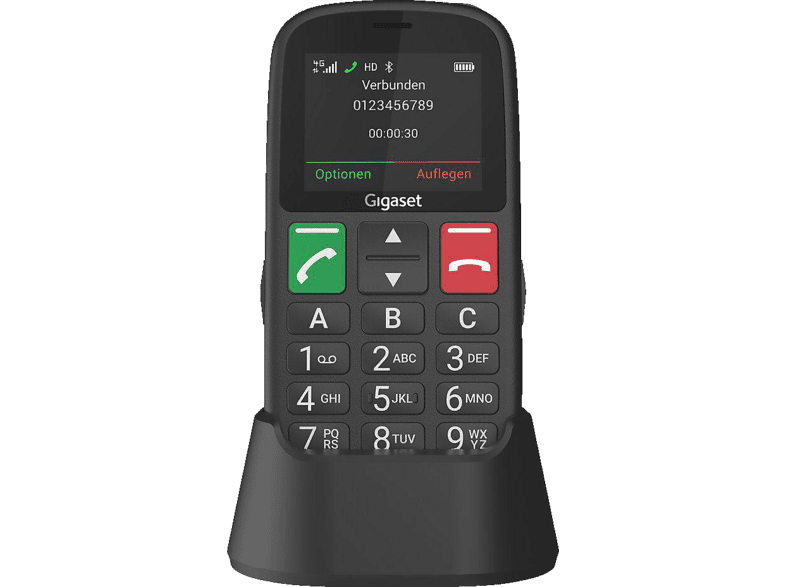 GIG·GL30GIGASET GL30 Seniorenhandy, Schwarz€40+5.3%
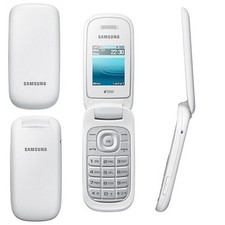 SAM·ORIGINALOriginal Samsung GT-E1272 Handy Weiss Dual Sim Klapphandy€30±0.0%
- EMP·SMARTEmporia SMART.7lite 128GB 6GB 2026 Senioren-Smartphone 5.45Zoll128 GB · Black€239−20.4%––
- EMP·SMARTEmporia SMART.ME7 Smartphone 128GB 6GB RAM schwarz Triple-Kamera LTE128 GB · Black€184±0.0%−2.2%+0.5%18 d
- EMP·JOYEMPORIA JOY 4G Seniorenhandy, SchwarzBlack · 4G (LTE)€95±0.0%±0.0%+2.2%18 d
- EMP·JOYEMPORIA JOY 4G Seniorenhandy, RotRed · 4G (LTE)€95±0.0%±0.0%+2.2%18 d
- EMP·JOYEMPORIA JOY 4G Seniorenhandy, Blaubeere4G (LTE) · Senior phone€95±0.0%±0.0%±0.0%18 d
- PAN·KXPANASONIC KX-TU550 Seniorenhandy, RotRed · Senior phone€90±0.0%±0.0%±0.0%18 d
- EMP·SIMPLICIEMPORIA SIMPLICITY LTE Seniorenhandy, SchwarzBlack · 4G (LTE)€88±0.0%−2.2%−2.2%16 d
- EMP·SIMPLICIEMPORIA SIMPLICITY 4G Seniorenhandy, SchwarzBlack · 4G (LTE)€88±0.0%+10.0%+10.0%18 d
- EMP·SIMPLICIEMPORIA SIMPLICITY GLAM 4G Seniorenhandy, Weiß4G (LTE) · Senior phone€80±0.0%±0.0%+6.7%18 d
- DOR·PRIMODoro Primo 418 Rot Großtastenhandy Senioren Kinder Mitarbeiter HandyRed · Senior phone€80±0.0%±0.0%±0.0%
- NOK·HANDYNokia 235 4G Handy Dual SIM Kamera Bluetooth USB-C Tastenhandy schwarzBlack · 4G (LTE)€60±0.0%±0.0%±0.0%24 d
- GIG·GL40GIGASET GL40 Seniorenhandy, SchwarzBlack · Senior phone€50±0.0%±0.0%±0.0%18 d
- MOT·RAZRMotorola RAZR V3 in Grau Klapphandy >>> 36 MonateGrey · razr€50±0.0%––
- GIG·GL30GIGASET GL30 Seniorenhandy, SchwarzBlack · Senior phone€40±0.0%+5.3%±0.0%18 d
- SAM·ORIGINALOriginal Samsung GT-E1272 Handy Weiss Dual Sim Klapphandy MobiltelefonWhite · Dual-SIM€30±0.0%±0.0%−16.7%24 d
Big buttons, loud sound and an emergency button: senior phones make calling easy. Find button and flip phones as well as simple smartphones for seniors.
Button phone or senior smartphone?
The key question is what the phone needs to do. If the main aim is to make calls and be reachable, a classic button or flip phone is a good fit: operation is clear-cut, the battery often lasts several days and accidental taps are almost impossible. If you also want WhatsApp, video calls with the grandchildren or photos, you need a smartphone – ideally one with a simplified interface.
- Flip phone: protects buttons and display, answer calls by opening it
- Button phone (candybar): large, backlit buttons, very simple
- Senior smartphone: simplified home screen, large icons, emergency function
These features matter
An emergency button on the back calls stored contacts one after another or sends a text message. Some models have a built-in fall sensor. A charging cradle makes charging easier, as no cable needs to be plugged in. Also look for high earpiece and ringtone volume and for hearing aid compatibility (often labelled HAC or M4/T4).
Important for the future: mobile networks in Germany are being restructured – 3G has already been switched off, and 2G will be phased out in the medium term. So, if possible, buy a device with 4G/LTE and VoLTE support so the phone still works reliably in a few years’ time.
Regular smartphone in easy mode
Many regular Android smartphones can also be set up to be senior-friendly, for example with Samsung’s Easy mode, larger text and a reduced home screen. This is a good solution if relatives can help with setup and answer questions later. A dedicated senior phone, on the other hand, scores with an emergency button and charging cradle out of the box.
Setup and mobile plan
Plan some time for setup before handing the phone over: store emergency contacts, assign speed-dial buttons, adjust volume and text size. For calls only, a cheap prepaid or basic plan without much data is often enough. Make sure the SIM card is in the right format, usually nano-SIM.
Reachability in an emergency is important too: check whether the emergency function is easy to cancel if triggered by accident, and whether the stored contacts know they will be called in an emergency. A short test run reassures everyone involved.